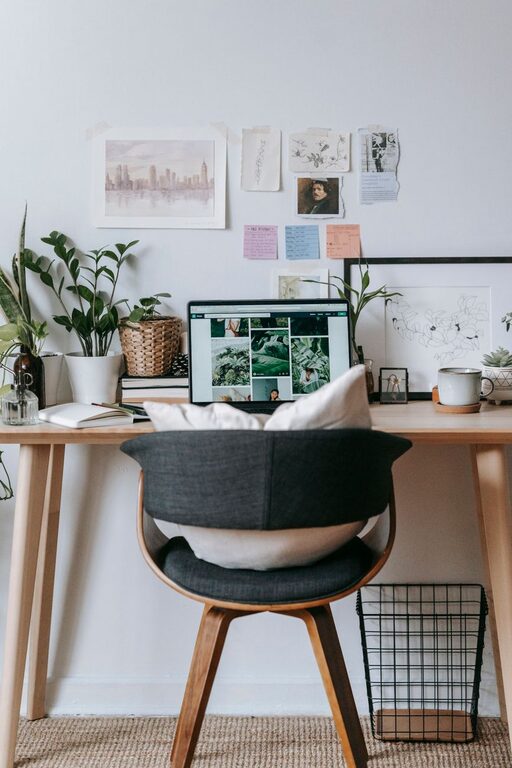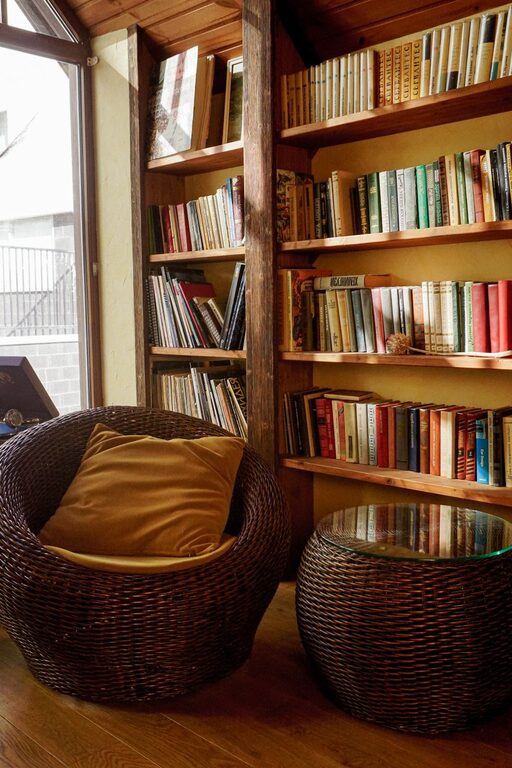
Creating a workspace at home that balances comfort and functionality can significantly improve your productivity and overall well-being. Whether you work remotely full-time or occasionally need a space for focused tasks, designing the right environment is key to staying motivated and efficient. Here are some practical tips to help you create a cozy and functional home workspace that feels like your own.
Choose the Right Location
The first and most important step is to select the best spot for your workspace. Ideally, this space should be:
– Quiet and Low-Traffic: A room or corner away from noise and disruptions helps maintain concentration.
– Well-Lit: Natural light boosts mood and reduces eye strain, so pick a spot near a window if possible.
– Spacious Enough: Ensure there is room for your desk, chair, and any tools or materials you need.
If space is limited, consider using a fold-away desk or a compact workstation that fits your needs without overcrowding.
Invest in Comfortable Furniture
Comfort plays a big role in productivity and health. When choosing furniture, focus on:
– Ergonomic Chair: A chair with good lumbar support will keep you comfortable during long hours.
– Appropriate Desk Height: Your desk should allow your arms to rest comfortably at a 90-degree angle.
– Adjustable Elements: Consider desks or chairs that can be adjusted to fit your body and preferences.
Remember to keep your feet flat on the floor or a footrest, and avoid slouching to prevent discomfort and injury.
Optimize Lighting
Good lighting reduces eye strain and keeps you alert. Here’s how to improve lighting in your workspace:
– Maximize Natural Light: Position your desk so you get plenty of daylight without glare on your screen.
– Add Task Lighting: Use a desk lamp with adjustable brightness and direction for focused work.
– Avoid Overhead Harsh Lighting: Soft, diffused lights help create a cozy atmosphere without harsh shadows.
Balancing these lighting sources will make your workspace inviting and practical.
Keep It Organized
A cluttered workspace can distract you and reduce productivity. Try the following to stay organized:
– Use Storage Solutions: Shelves, filing cabinets, and drawers keep items off your desk but within reach.
– Declutter Regularly: Spend a few minutes each day tidying to maintain a clean environment.
– Limit Items on Your Desk: Keep only essentials like your computer, planner, and a few personal items.
Labeling storage containers or using color-coded folders can also make it easier to find what you need quickly.
Personalize Your Space
Adding personal touches makes your workspace feel welcoming and comfortable, helping you stay motivated. Consider:
– Artwork or Photos: Hang pictures that inspire or bring positive memories.
– Plants: Small indoor plants improve air quality and add a calming natural element.
– Comfort Items: A cozy throw blanket, cushions, or a favorite mug can make the space feel homemade.
Balance personalization with professionalism, especially if you attend video meetings from this space.
Manage Technology Efficiently
Technology is essential but can sometimes clutter your workspace or cause frustration. To keep your set-up smooth:
– Invest in Quality Equipment: A reliable computer, keyboard, and mouse improve comfort and efficiency.
– Use Cable Organizers: Keep cords untangled and out of sight to maintain a neat appearance.
– Have Backup Charging Solutions: Ensure you have accessible charging for all devices.
Regularly updating software and hardware maintains performance and reduces last-minute tech troubles.
Incorporate Movement and Break Areas
A cozy workspace also considers your physical well-being. Try to:
– Include a Standing Option: If possible, use a sit-stand desk or take regular breaks to stand and stretch.
– Create a Relaxing Spot Nearby: A comfortable chair or corner for quick breaks helps refresh your mind.
– Use Reminders for Breaks: Apps or timers can encourage you to move and rest your eyes periodically.
Balancing work with movement can increase focus and reduce fatigue.
Maintain a Pleasant Atmosphere
Finally, the ambiance of your workspace influences how you feel while working.
– Control Temperature: Keep the room comfortable—neither too hot nor too cold.
– Minimize Noise: Use noise-canceling headphones or soft background music if needed.
– Fresh Air: Open windows or use an air purifier for better ventilation.
These small adjustments create an inviting environment that supports your workflow.
—
Designing a cozy and functional home workspace is about more than just furniture and gadgets—it’s about creating a space that supports your habits, comfort, and productivity. Experiment with these tips to tailor your workspace to your needs, and enjoy the benefits of a well-designed home office.
About the Author